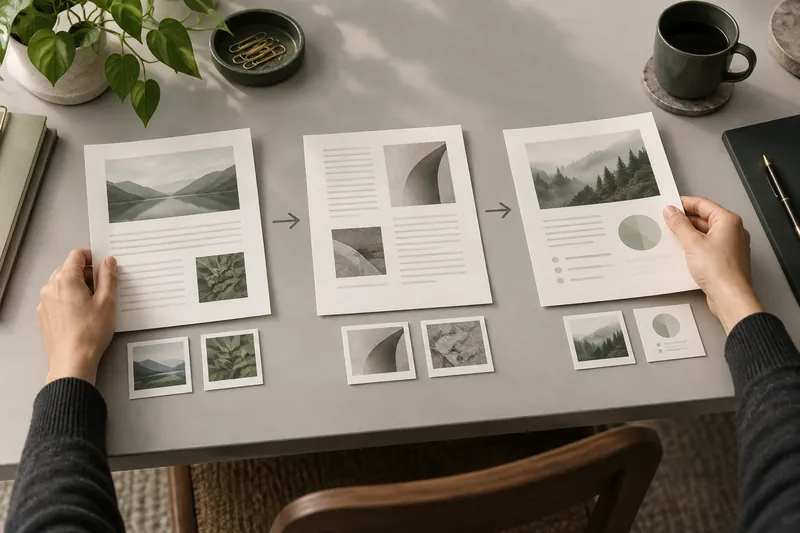
Every page in its place
Drag to reorder, rotate or remove pages, and merge several PDFs into one.
- Reorder
- Rotate
- Merge
Pick the pages you want and save them as new files.
Drop it in or choose it from your computer.
Reorder, fill in, sign or compress.
Check the final file and save it.
Combine several files into one.
Keep only the pages you need.
Make big files easier to share.
Add text, notes and your signature.
Complete fields and lock them in.
PDF to Word, JPG or PNG, and images to PDF.
Answers and summaries that show their pages.
Black out names or numbers so nobody can recover them.
Get real text from scanned pages.
Drag to reorder, rotate or remove pages, and merge several PDFs into one.
Get a summary or ask in your own words. Each answer shows the page it comes from, one click away.
Complete forms, add text or highlights and draw your signature.
Save your steps as a recipe and apply them to up to five PDFs at once.
7 days with every tool. Then €39.99/month. Cancel any time.
Yes. Open and edit your PDF for free. You only need the plan to download the result.
Yes. Click a line, type the new words and we write them in its place with a matching font. You can also add text, notes, highlights, images and your signature.
Yes. Ask in your own words or get a summary. Every answer shows the pages it comes from, so you can check it in one click.
Yes. Your PDF opens in your browser and is only stored when you save it to your account. Only the text you ask about is sent to get an answer.
From your account, in one click. You keep access until the end of the period you paid for.